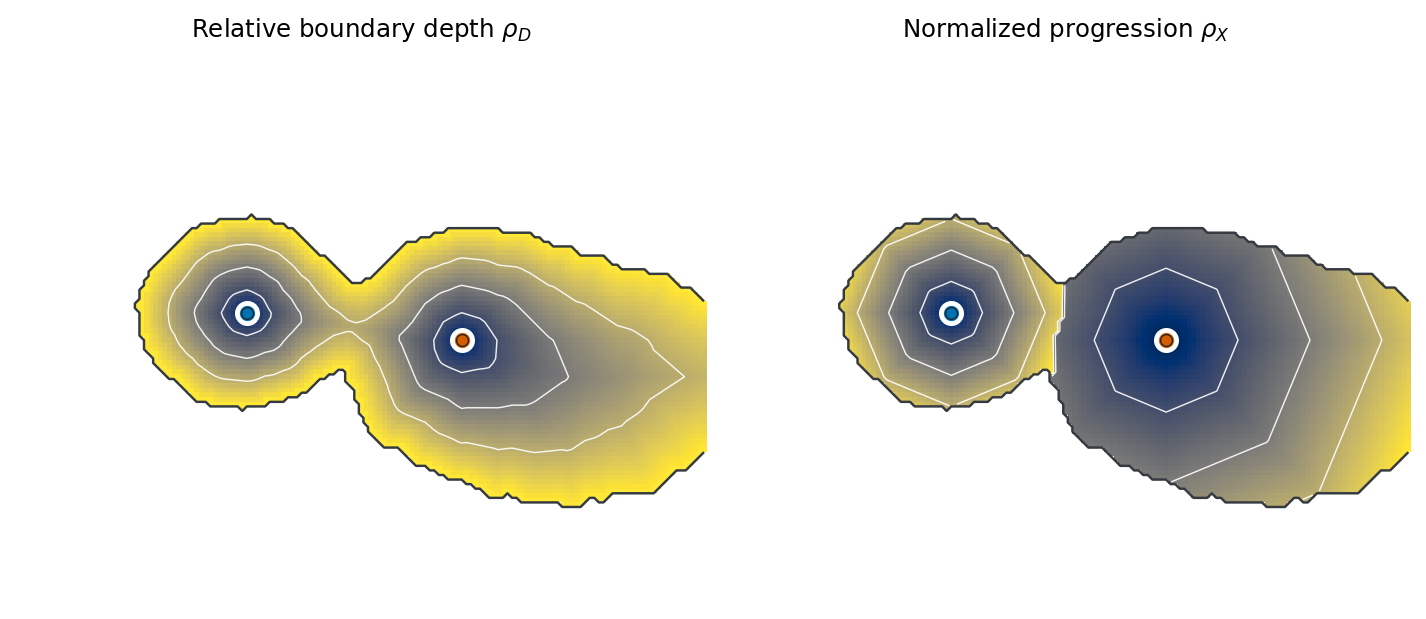
Choose a support and supply up to four centres. Drag a centre or select
an in-support pixel to see its assigned region, shortest path, distance
to the centre, distance to the nearest boundary, and both coordinates.
The interactive calculation did not start.
The static tutorial contains the complete
scientific explanation and requires no browser calculation.
ρD
Relative centre–boundary depth
Position between the assigned centre and nearest support boundary.
ρX
Normalized progression
Distance from the assigned centre relative to that region’s maximum distance.
Selected pixel
Path and coordinate values
Select an in-support pixel to inspect its assigned centre and distances.
The white path is the shortest 8-neighbour route that remains inside the accepted support.